Back to blog
January 30, 2026
How to Schedule WhatsApp Messages on iPhone and Android
For years, many users wondered if it was possible to schedule a WhatsApp message easily and without tricks. Today, that possibility is now a reality.
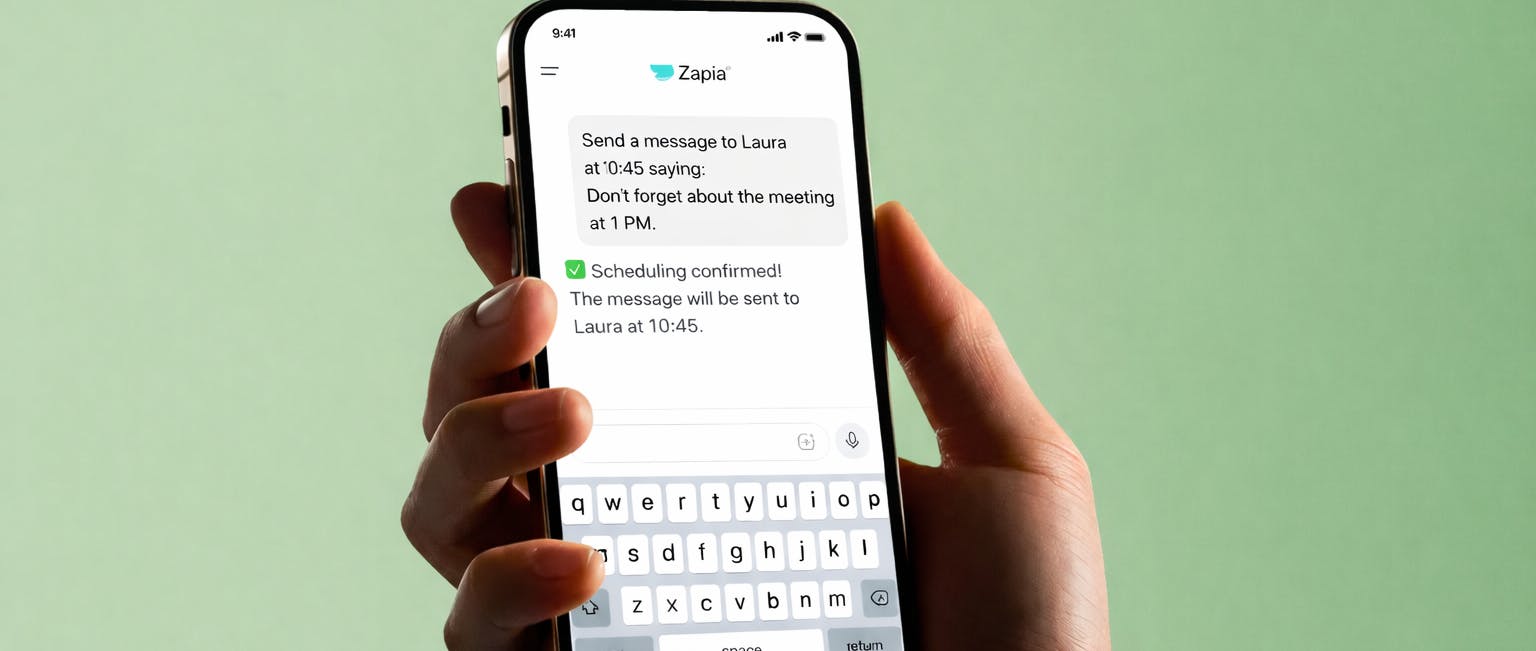
The ability to schedule messages on WhatsApp is now available thanks to Zapia, a free AI assistant that has added this feature to its platform. With Zapia, you can now schedule messages to be sent at the date and time you choose, without the recipient noticing that it’s a scheduled text.
It works on both iPhone and Android.
How to Schedule WhatsApp Messages Step by Step
The process to schedule WhatsApp messages with Zapia is simple and fast:1. Download the Zapia App
First, you need to download the Zapia app from:- App Store (iPhone)
- Google Play (Android)
Zapia is a free AI assistant, so you can try this feature at no cost.
2. Link Your WhatsApp Account
Once the app is installed, the user must link their WhatsApp account by associating their phone number.This step allows Zapia to send messages on your behalf, only when you instruct it to.
3. Schedule the Message from the Chat
After linking, you can request to schedule a message directly from the app’s chat using natural language.For example:
“I want to schedule a message for tomorrow at 9 am”
If any information is missing (date, time, recipient), Zapia will ask for it automatically.
The Recipient Doesn’t Know It’s a Scheduled Message
One of Zapia’s great advantages is that the message doesn’t appear as a “scheduled message”.The recipient does not notice that it is a scheduled text, making communication look completely natural.
Ideal for:
- Reminders
- Important messages
- Contacting businesses
- Congratulations
- Follow-ups
The Only App That Enhances Your WhatsApp
Zapia isn’t just an app for scheduling messages.It’s the only app that boosts your WhatsApp with Artificial Intelligence, helping you save time and automate your daily tasks.
With Zapia, you can:
- Automatically transcribe WhatsApp audio messages, so you can stop listening to long messages and just read the important parts.
- Create reminders by chat or voice note.
- Manage your calendar from a chat, using natural language, as if you were talking to a real personal assistant.
- Connect with real businesses, search prices, check hours, and make reservations.
- Automate daily tasks. Get news, horoscopes, or whatever you want.
All from a single chat.
Schedule Automatic Sends and Try It Free Today
If you were looking for how to schedule a WhatsApp message, the solution already exists.The Zapia app now allows you to schedule WhatsApp messages easily, securely, and for free.
👉 Schedule automatic sending and try it free today
Start using WhatsApp smartly with Zapia.